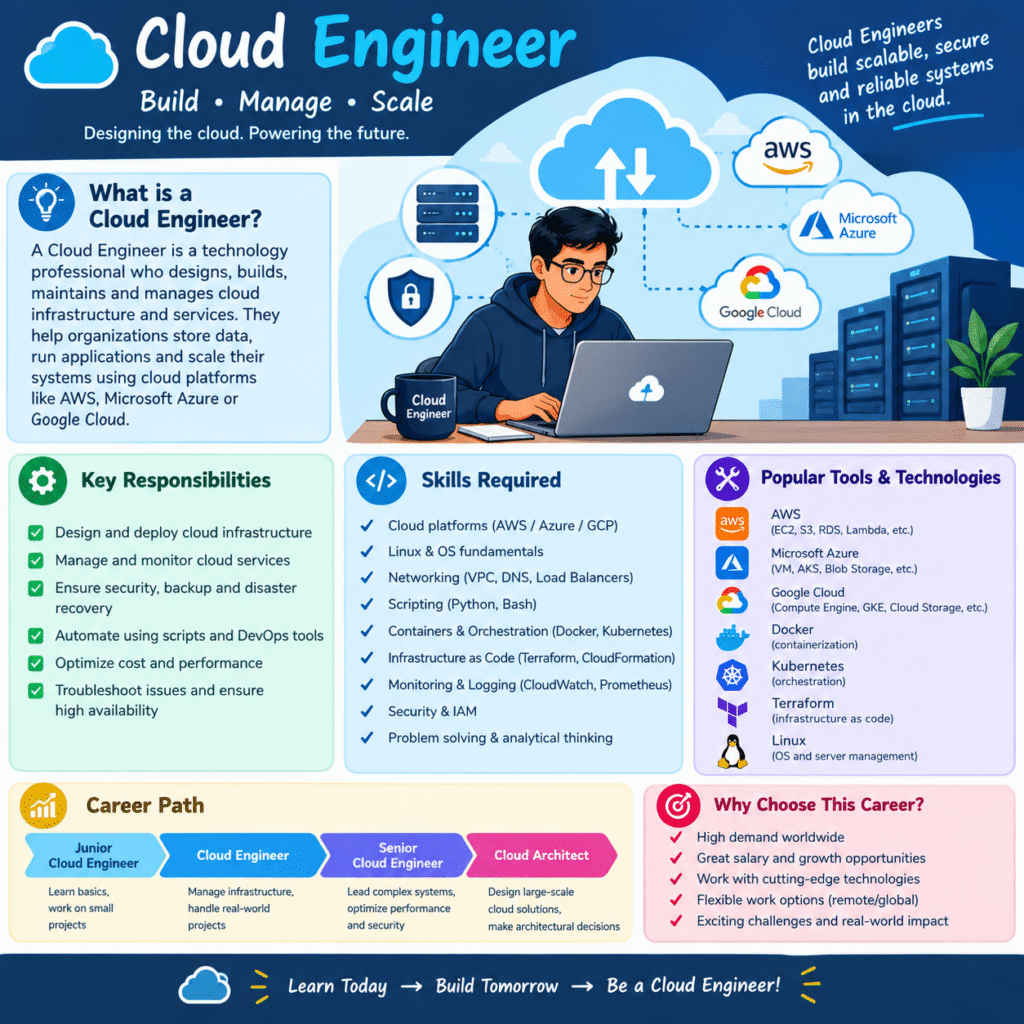
Cloud technology is everywhere today. From mobile apps and websites to online banking, shopping platforms, and business software, companies rely on cloud infrastructure to run their digital services.
Because of this, cloud computing has become an important IT skill, and many students and job seekers are interested in starting a career in cloud technology.
But there is one common question:
“Can I become a Cloud Engineer in just 3 months?”
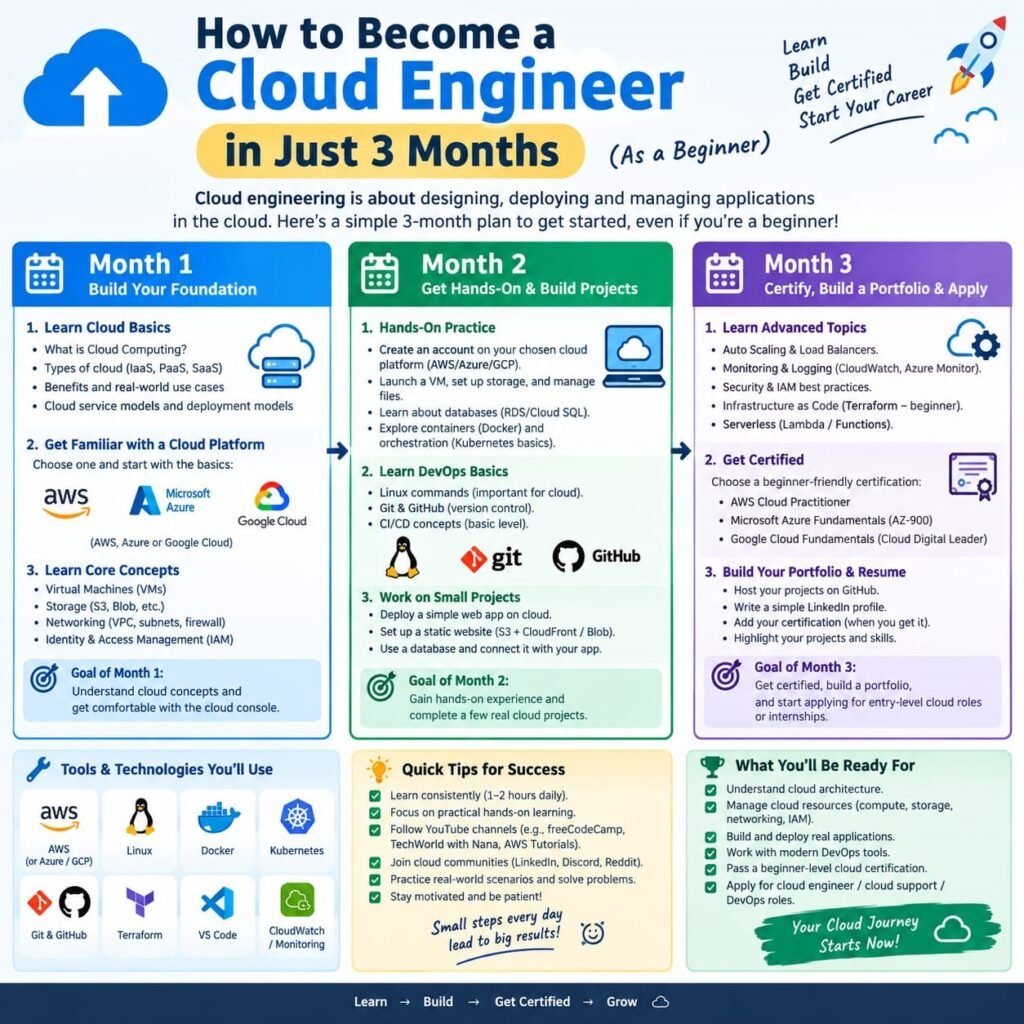
The honest answer is that you cannot become an expert Cloud Engineer in only 90 days. However, with the right roadmap and consistent practice, 3 months can be enough to build a strong foundation in cloud computing and start working toward an entry-level cloud career.
In this guide, we’ll explain what to learn, what projects to build, and how to start your Cloud Engineering journey in 3 months.
Can You Become a Cloud Engineer in 3 Months?
Three months is a short period, but it can be a very good starting point.
Your goal should not be to master every cloud technology in 90 days.
Instead, focus on understanding:
Linux → Networking → Cloud Basics → Cloud Services → Security → Projects
If you practice regularly, you can develop a foundation that prepares you for further learning, certifications, internships, and entry-level opportunities.
Remember:
3 months can start your journey. Continuous learning builds your career
Month 1: Learn the Basics
The first month should focus on understanding the technologies behind cloud computing.
1. Learn Computer Networking
Networking is extremely important for cloud engineers.
Start with:
- IP addresses
- DNS
- HTTP and HTTPS
- Ports
- TCP/IP
- Routers
- Firewalls
- Subnets
- Public and private networks
You don’t need to become a networking expert immediately. Just understand how computers and servers communicate with each other.
2. Learn Linux
Linux is widely used in cloud and server environments.
Start with basic Linux commands such as:
pwdlscdmkdircpmvrmcatgrepchmodsudo
You should also understand:
- Files and directories
- Users and permissions
- Processes
- Package installation
- Basic shell commands
The more comfortable you become with Linux, the easier cloud administration will feel.
3. Understand Cloud Computing
Now learn the basic concepts of cloud computing.
Understand:
- What is cloud computing?
- What is a server?
- What is a virtual machine?
- What is cloud storage?
- What is a database?
- What is virtualization?
- What is scalability?
- What is high availability?
Also learn the three major cloud service models:
IaaS
Infrastructure as a Service
You rent infrastructure such as virtual machines, networking and storage.
PaaS
Platform as a Service
You use a managed platform to develop and deploy applications.
SaaS
Software as a Service
You use software through the internet without managing the underlying infrastructure.
Month 2: Choose a Cloud Platform
During the second month, start working with an actual cloud platform.
You can choose:
AWS, Microsoft Azure, or Google Cloud.
For beginners, don’t try to learn all three simultaneously.
Choose one and practice its core services.
Learn Cloud Servers
Understand how to:
- Create a virtual machine
- Connect to a server
- Configure the operating system
- Install software
- Start and stop services
- Manage security settings
This gives you practical experience with cloud infrastructure.
Month 3: Projects and Automation
The third month should be heavily focused on hands-on projects.
This is where learning becomes practical.
Don’t spend the entire month watching videos.
Build something.
Break it.
Fix it.
Build it again.
That’s how you gain confidence.
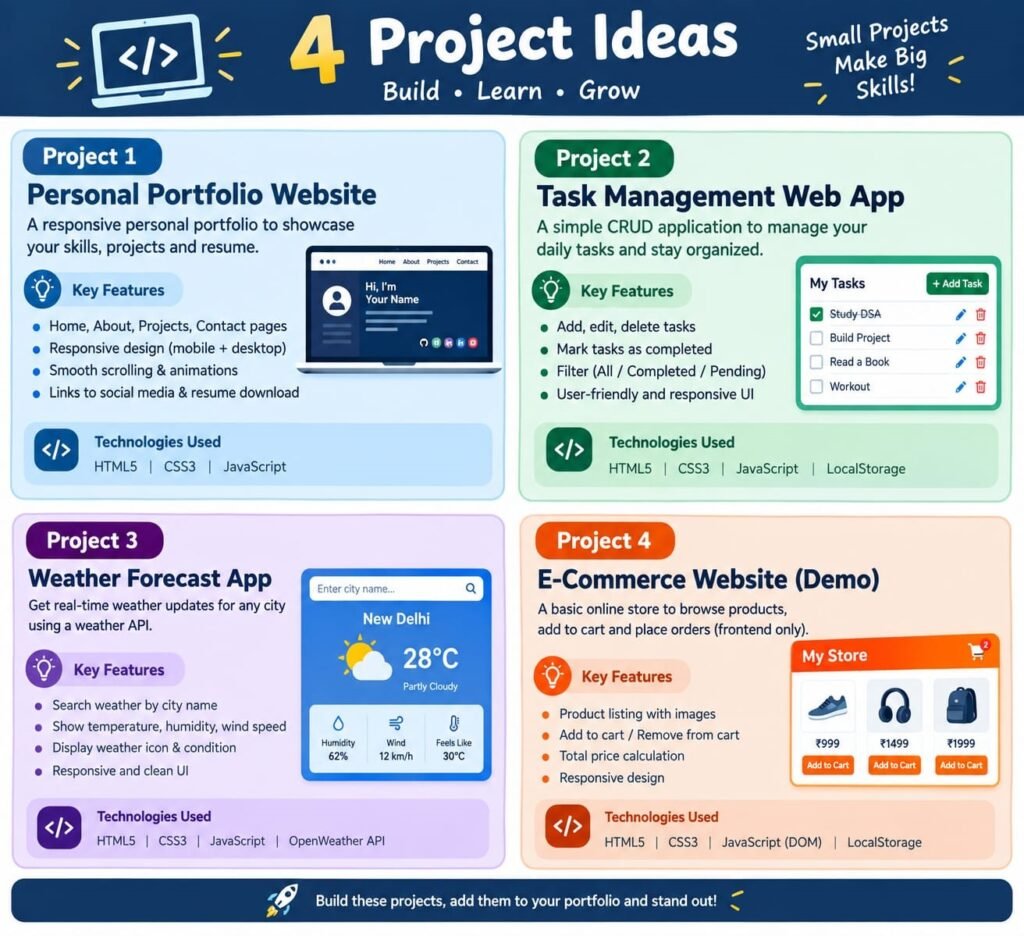
Project 1: Host a Website on the Cloud
Create a simple HTML/CSS website and deploy it to a cloud environment.
You can practice:
- Server setup
- Domain concepts
- Web server installation
- File management
- Security
- Website deployment
This is a great first cloud project.
Project 2: Create a Cloud Storage System
Create cloud storage and practice uploading and managing files.
Learn:
- Storage buckets
- Permissions
- Access control
- Backup concepts
Project 3: Deploy a Database
Set up a cloud database and connect it to a simple application.
This will help you understand how applications communicate with databases in the cloud.
Project 4: Basic Cloud Automation
Once you understand the basics, start learning automation.
Explore tools and concepts such as:
- Git
- GitHub
- Bash scripting
- Docker
- CI/CD
- Infrastructure as Code
You don’t need to master all of them in three months.
Start slowly and understand how automation can reduce repetitive work.
What Should You Learn to Become a Cloud Engineer?
A simple learning path is:
Computer Basics → Networking → Linux → Cloud Fundamentals → AWS/Azure/GCP → Security → Git → Docker → Automation → Projects
Later, you can explore:
- Kubernetes
- Terraform
- CI/CD
- DevOps
- Cloud Security
- Cloud Architecture
- Monitoring
- Serverless Computing
Skills You Can Build in 3 Months
With consistent practice, you can aim to develop a foundation in:
✅ Cloud Computing
✅ Linux
✅ Networking
✅ Virtual Machines
✅ Cloud Storage
✅ Cloud Databases
✅ Cloud Security Basics
✅ Git & GitHub
✅ Docker Basics
✅ Website Deployment
✅ Cloud Projects
✅ Basic Automation
These skills can help you understand the requirements of modern cloud and IT environments.