📘 Day 2: Computer Fundamentals
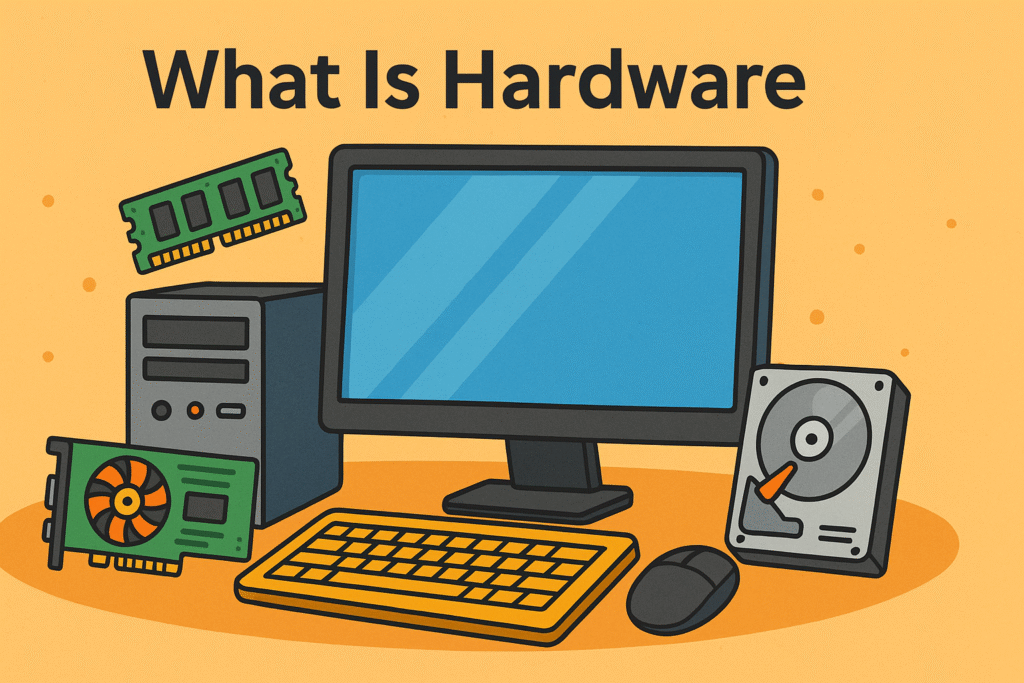
🖥️ What is Hardware?
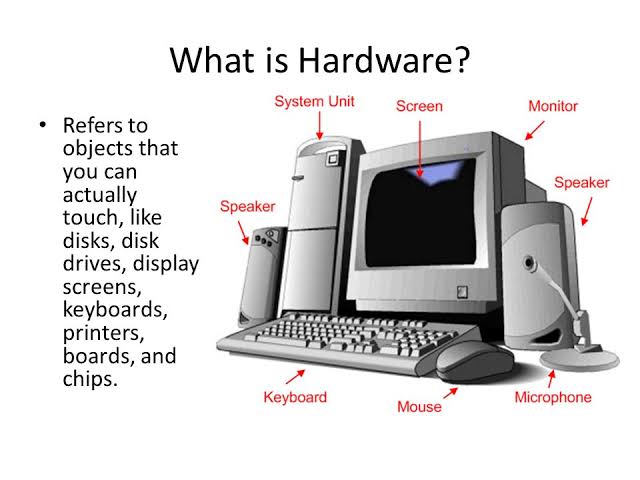
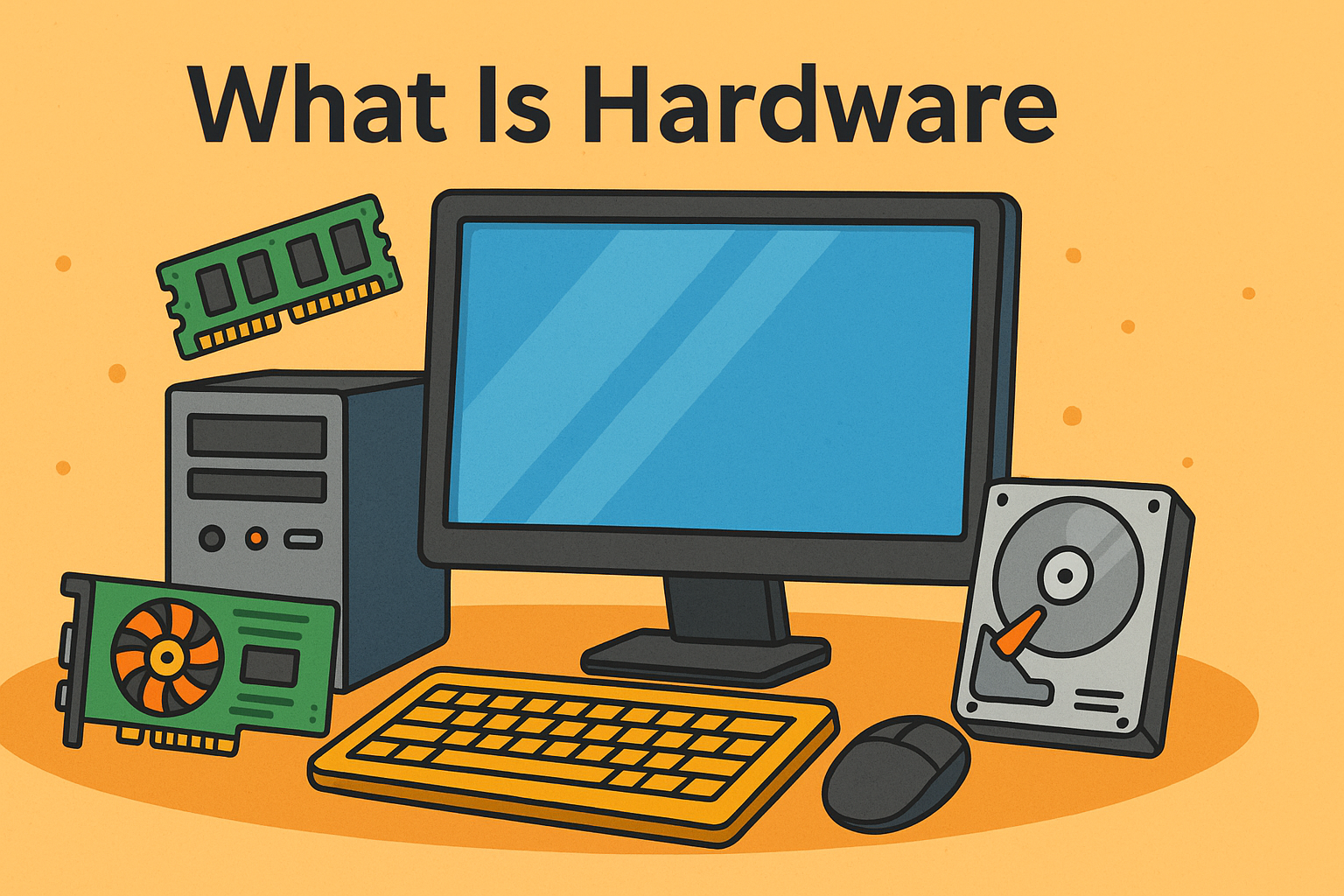
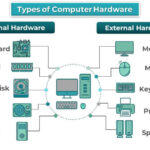
Hardware refers to all the physical components of a computer system that we can see and touch.
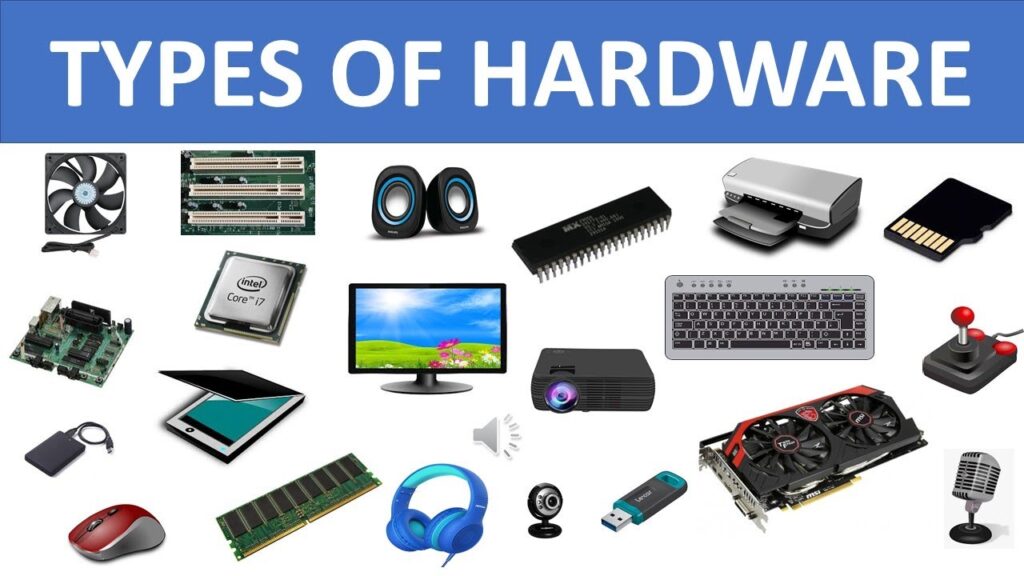
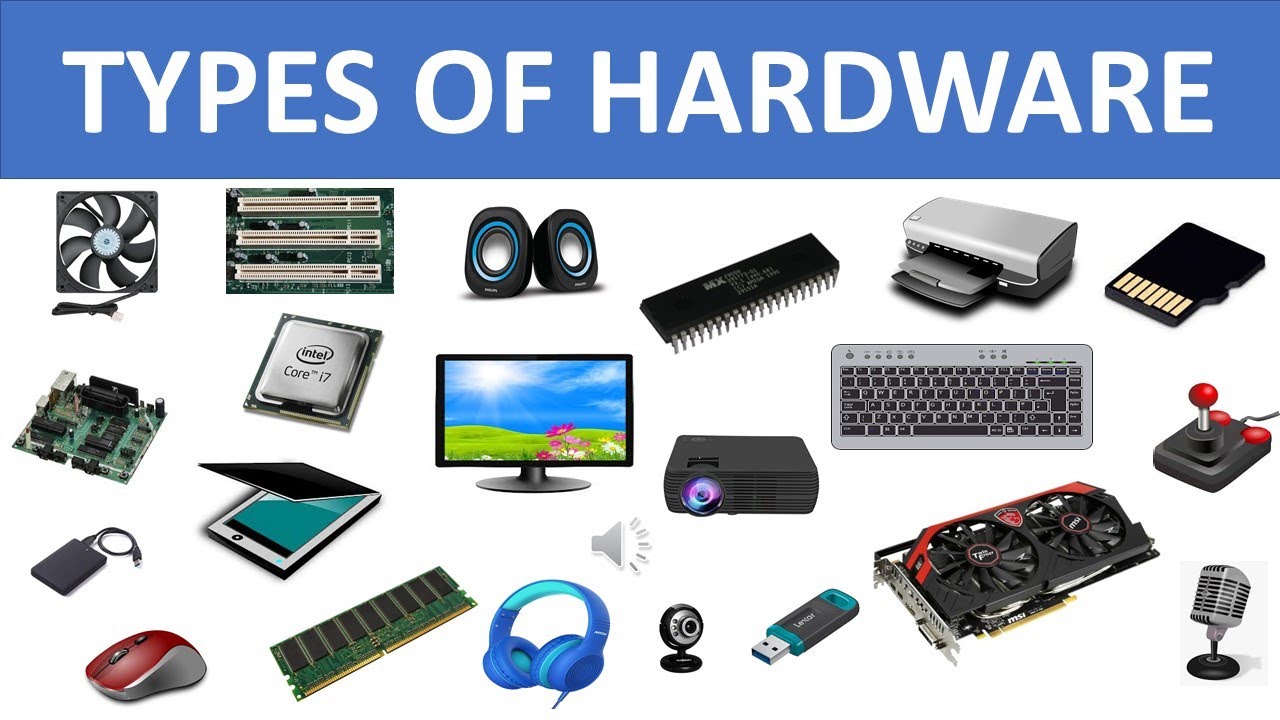
Examples: Keyboard, Mouse, Monitor, CPU, Hard Disk, Printer etc.
🧩 Types of Hardware (Based on Function)
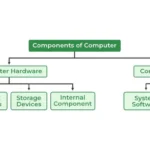
Computer hardware is mainly divided into four types:
Input Devices
Processing Devices
Output Devices
Storage Devices
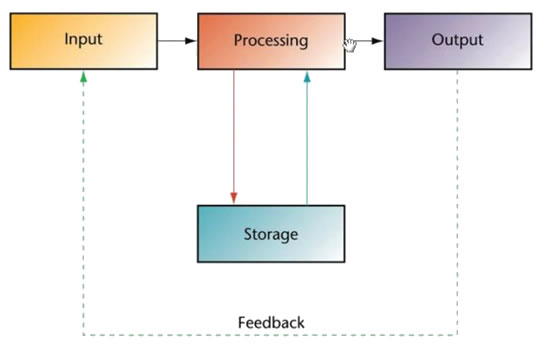
📊 Block Diagram of Computer Hardware System
Input Devices → Processing Device (CPU) → Output Devices
↓
Storage Devices
⌨️ 1. Input Devices
📌 What is an Input Device?
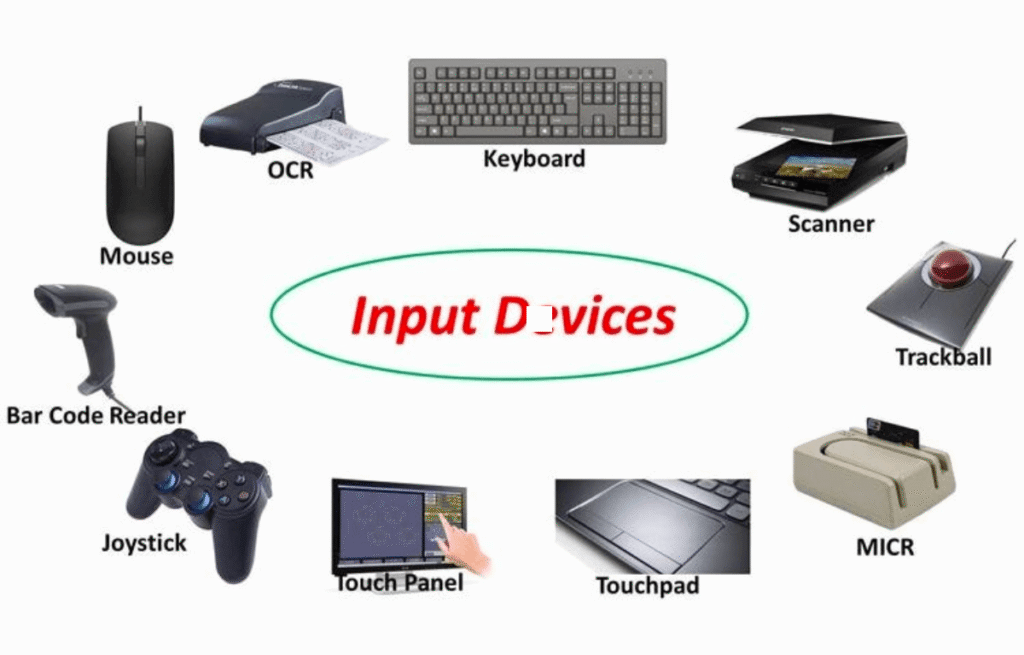
An input device is a hardware device used to enter data and instructions into the computer.
🧪 Examples of Input Devices:
| Device | Use |
|---|
| Keyboard | Typing text & numbers |
| Mouse | Pointing & clicking |
| Scanner | Converts paper document into digital form |
| Microphone | Voice input |
| Webcam | Video input |
| Joystick | Gaming control |
📝 Uses of Input Devices:
🎯 Exam Point:
Input devices send data to the computer system.
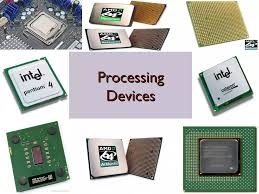
🧠 2. Processing Device
📌 What is a Processing Device?
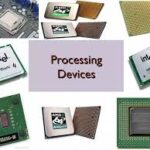
A processing device processes the input data and converts it into useful information.
🧪 Example:
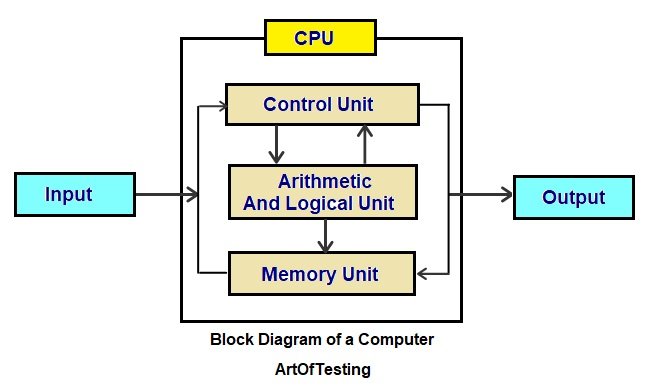
🧩 Parts of CPU:
ALU (Arithmetic Logic Unit) – Performs calculations
CU (Control Unit) – Controls all operations
Registers – Temporary storage
📝 Uses:
🎯 Exam Point:
CPU is called the “Brain of the Computer”.
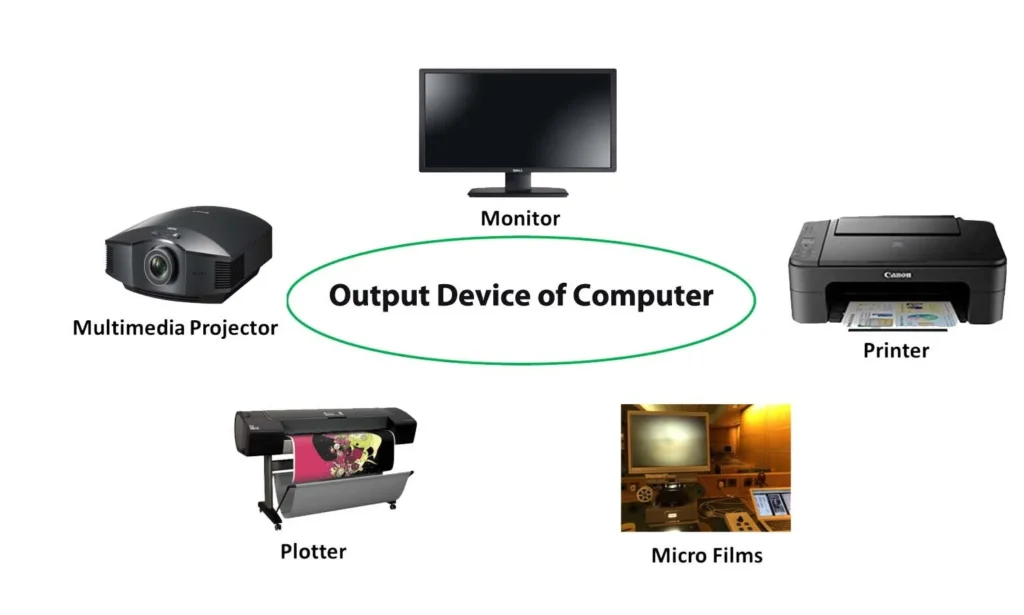
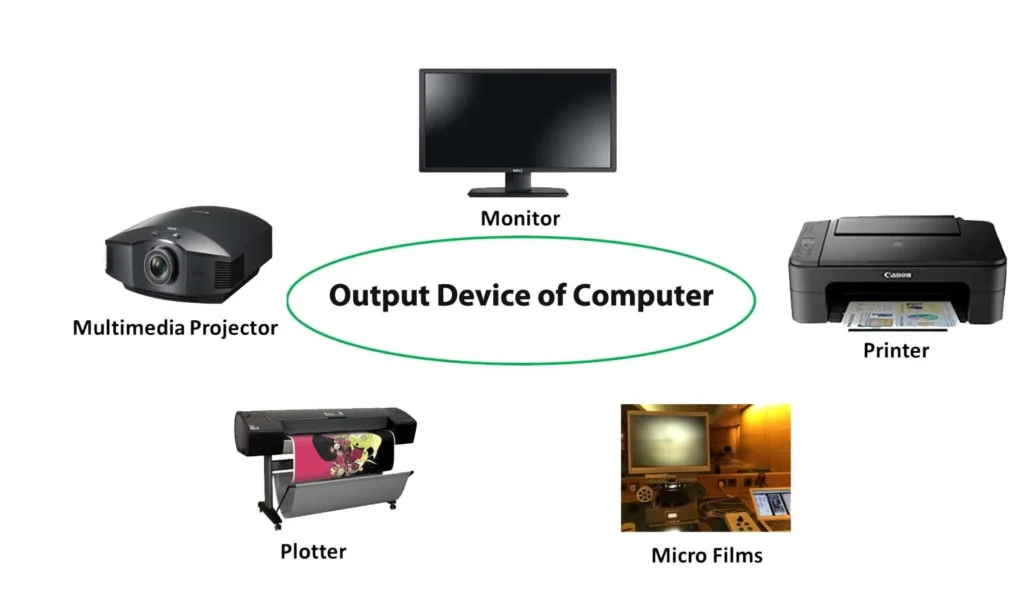
🖥️ 3. Output Devices
📌 What is an Output Device?
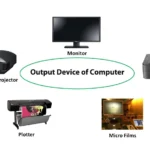
An output device displays the processed result from the computer.
🧪 Examples of Output Devices:
| Device | Use |
|---|
| Monitor | Displays text, images, video |
| Printer | Prints data on paper |
| Speaker | Audio output |
| Projector | Large screen display |
| Plotter | Prints large graphics |
📝 Uses:
🎯 Exam Point:
Output devices show information to the user.
💾 4. Storage Devices
📌 What is a Storage Device?
A storage device stores data and instructions temporarily or permanently.
🧪 Examples of Storage Devices:
| Device | Type |
|---|
| Hard Disk | Secondary Storage |
| SSD | Secondary Storage |
| Pen Drive | Portable Storage |
| CD/DVD | Optical Storage |
| RAM | Primary Storage |
| ROM | Primary Storage |
📝 Uses:
Data backup
Permanent data storage
Faster data access
🎯 Exam Point:
Storage devices store data for future use.